
Please notify jems@interreg-npa.eu if you find any inconsistencies.
One of the tasks of the Regional Contact Points is to input in Jems the RAG’s appraisal of Main project Applications, and participate in the assessment of Preparatory project applications.
Two checklists have been created for this purpose, which can be accessed, completed and saved on Jems. Each project is going to be appraised and therefore one checklist has to be created, completed and submitted for each project.
The steps to access the assessment checklists for Main projects or for Preparatory projects are the same.
At the point of selecting the checklist, please choose the one corresponding to the relevant type of project.
Watch the tutorial or follow the step-by-step guidance below to complete the checklists.
Step-by-step guidance
-
Click on Applications from the top bar.

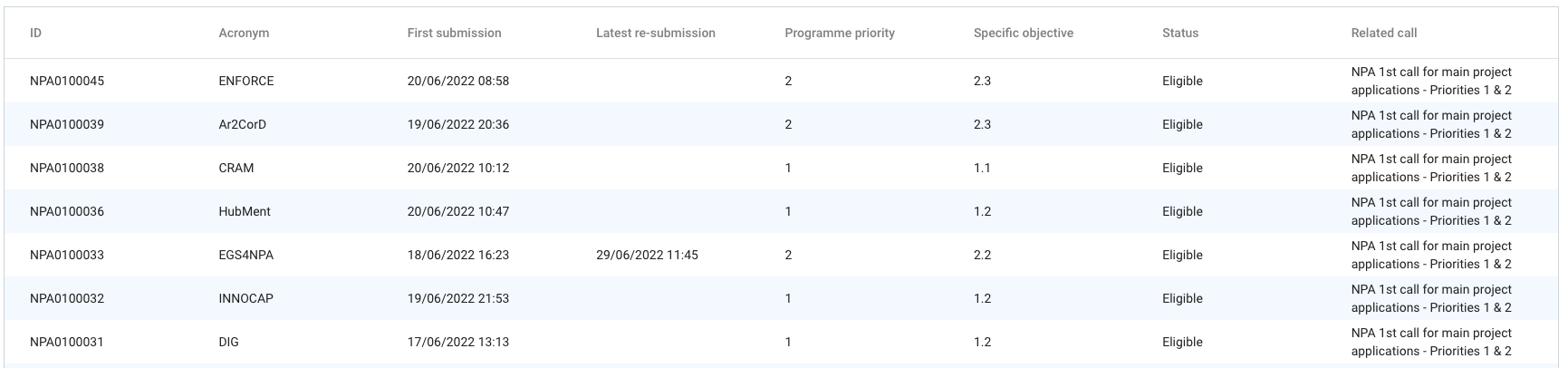
The list of all applications will be displayed, regardless their status e.g. Draft, Submitted, Contracted or call.
-
You can filter the applications based on several criteria, multiple criteria can be combined to obtain a more specific result.
For example:
- Related call: 5th call for projects → Will show all applications created in that call
- Status: Eligible → Will show all applications deemed eligible in any call.
- Related call: 5th call for projects + Status: Eligible → Will show all applications which have been deemed eligible in the 5th call.
-
Click on the project row to access a submitted application.
-
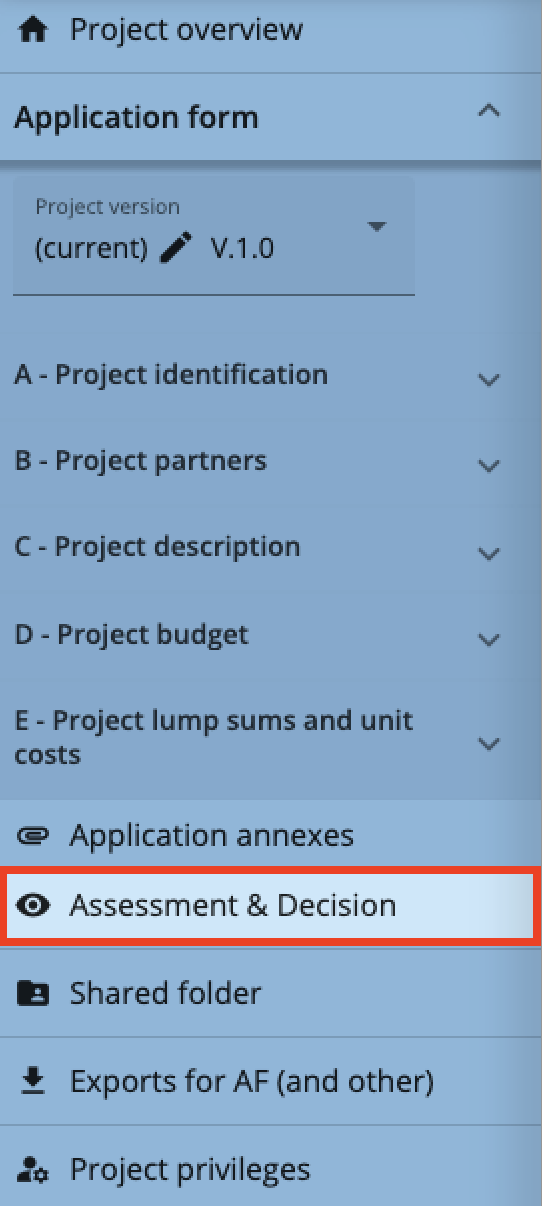
Scroll down to the menu item Assessment & Decision. Click to enter assessment.
-
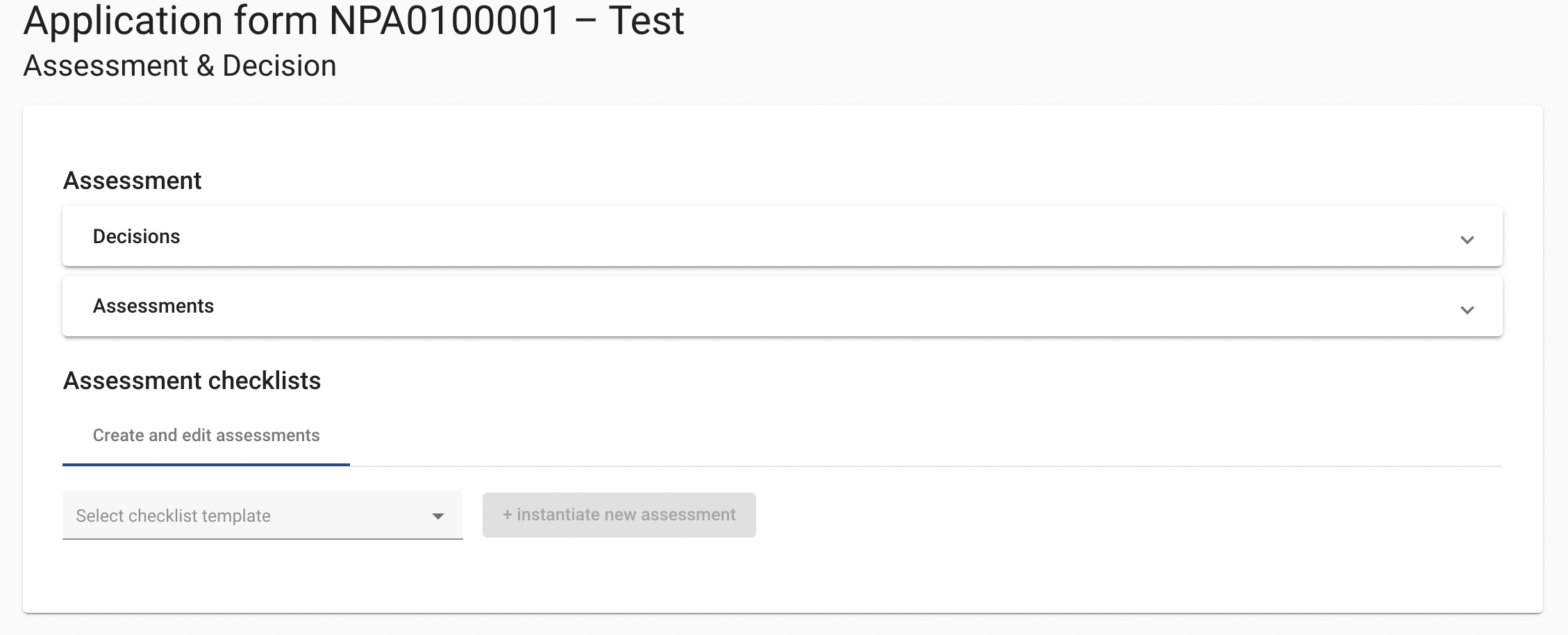
This section is composed of two parts:
- Assessment: in this section you will be able to follow the progress of the project assessment and see if the project has passed the Eligibility and Quality assessment, as well as a summary of the reasons for ineligibility or non-approval.
- Assessment Checklists: in this section you will be able to create and submit your RCP or RAG Appraisal checklists.
-
Scroll down to the Assessment checklist area. On the tab “Visible checklists”, click on the Quality Assessment Summary row to view the summary of the JS Quality assessment.

The document will consist of a short summary of the main points of the assessment, as well as specific matters that require follow-up.
-
To insert the RCP or RAG Appraisal, click on the tab Create and edit assessments.
For Main projects, select from the drop-down menu the checklist “RAG Appraisal-Main projects_Jan2023”, and click on the button “Instantiate new assessment”.
For Preparatory projects, choose “NPA RCP checklist – Preparatory Projects – Step 1”, and click on the button “Instantiate new assessment”.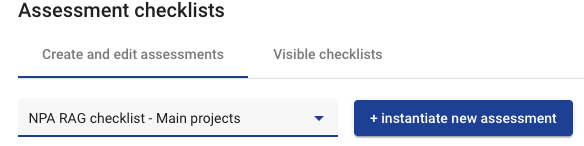
-
Complete the checklist by following the guidance under each question. Click on Save changes at the bottom of the form in order not to loose your work.
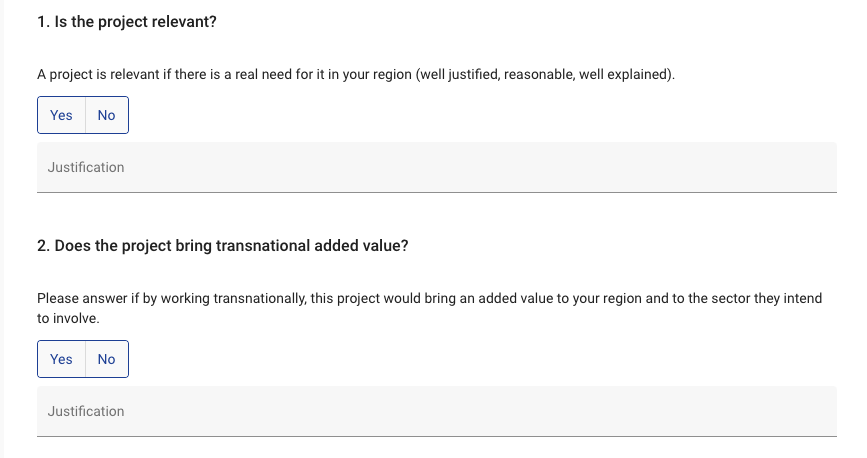

Remember to save your changes as you go!
When the checklist is finalised, click on Finish checklist and Confirm. This will inform the JS that the RAG assessment has been submitted.
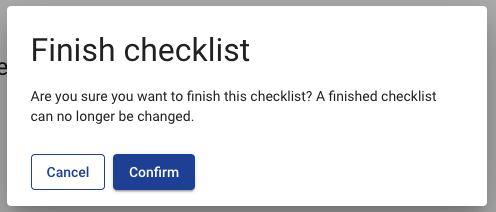
End of the process.