Using images enhances communication. However, finding the right image and ensuring it does not infringe copyright can be challenging. This page provides resources, tips, and instructions to help you use Interreg NPA images effectively and legally.
For questions or concerns, contact Michela at the Secretariat.
General principles about the use of images by Interreg NPA
As Interreg NPA RCP, you are allowed to use media materials produced by the programme and the projects. When doing so, please keep in mind the following:
-
Use InterregNPA images only for InterregNPA related purposes.
-
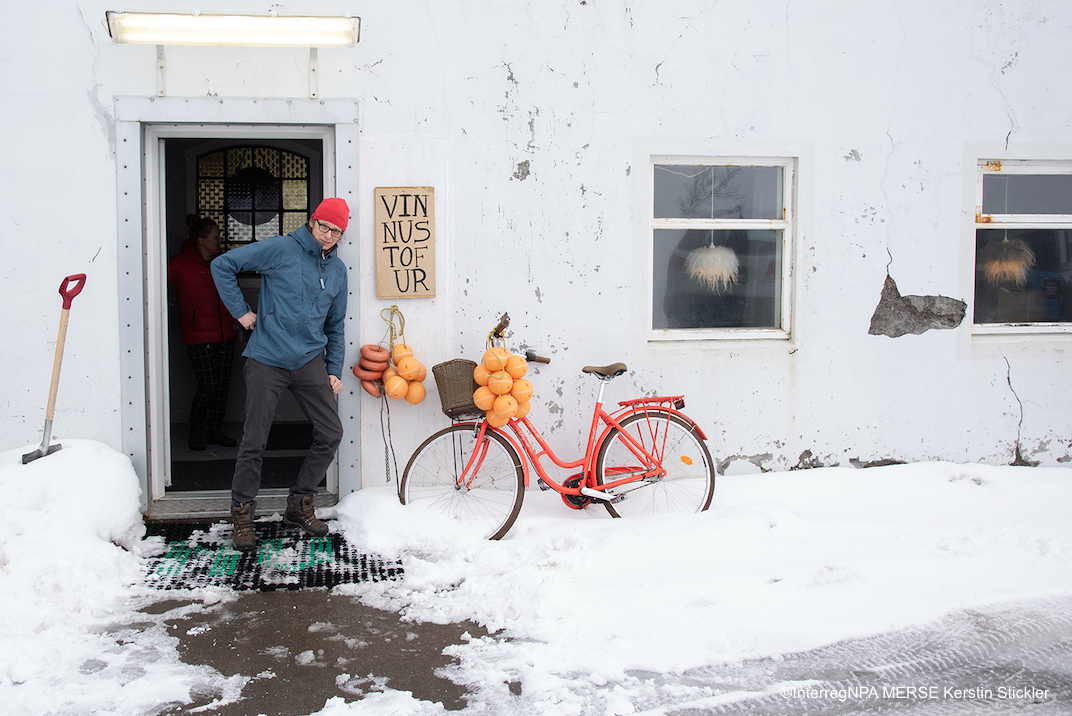
Always credit the programme and photographer when explicitly mentioned. You can do that in the photo caption or on the image itself, typically in the bottom right corner.
E.g. ©InterregNPA-Acronym-photographer.
If there is no copyright mentioned, always credit the programme and the project: ©Interreg NPA or ©InterregNPA-Project Acronym. -
Be careful when people are portrayed in images. Faces are personal data, and explicit consent is required to use a person's image. Projects must collect and retain GDPR consent from individuals shown in pictures, though a risk remains they might not do it.
How to find and use project pictures on the Interreg NPA website
We have a relatively large collection of images from projects and events, mostly published on our website. But you live in the programme area and you might also have really nice pictures!
-
Project Database
-
Interreg NPA events
-
Free Stock images
-
Your own photographs!
1 - Projects Database
Projects upload their images on their project’s mini-website. You can access each mini-website from the Interreg NPA project database on our website: https://www.interreg-npa.eu/projects/
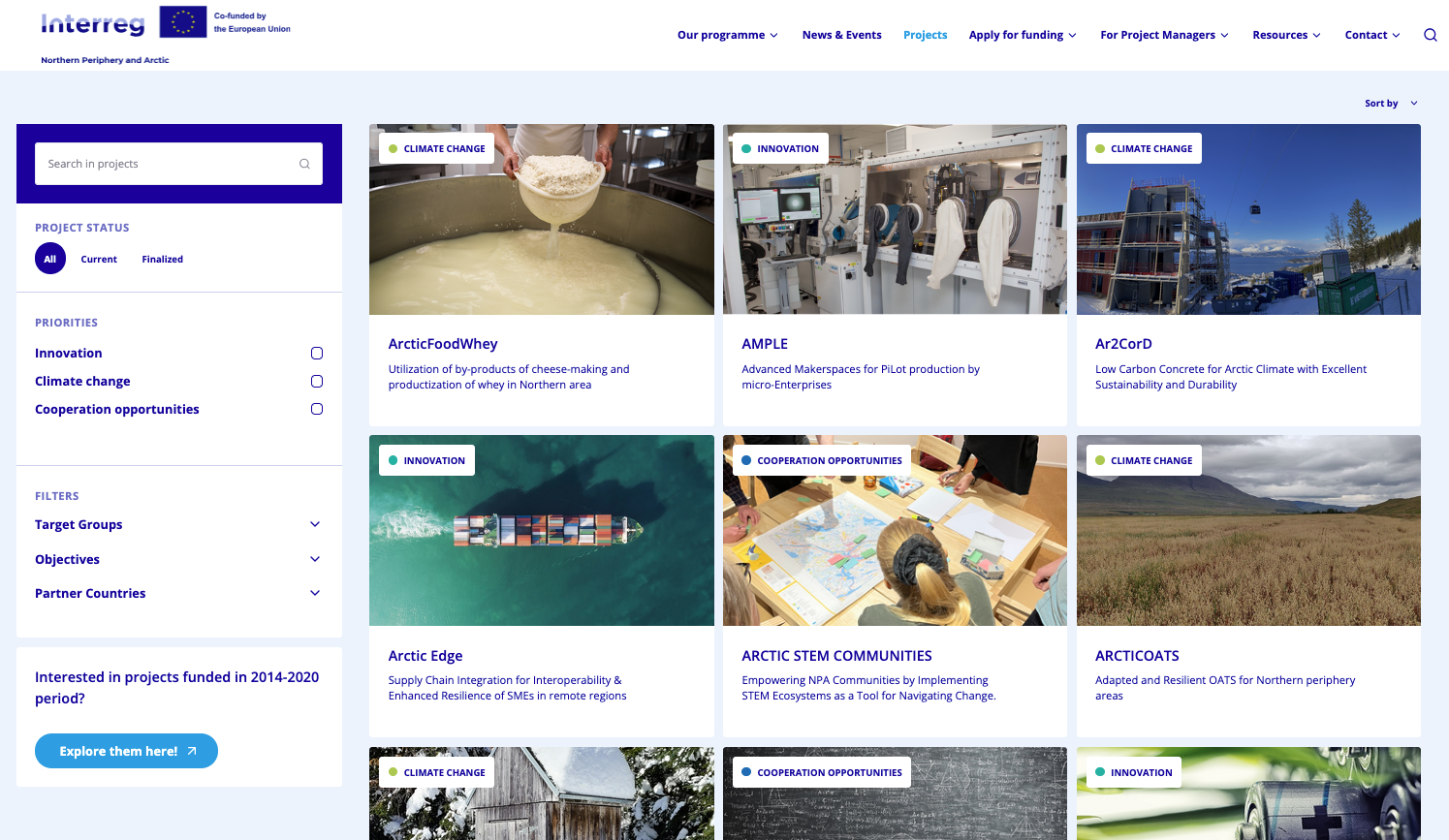
You can browse projects and therefore find images by inputting different search criteria in the filter options on the left side of the screen.
-
Type the project acronym or a keyword, when you know which project you wish to speak about or wish to look for a keyword in the project title.
-
To search by topic, expand the Objectives options and select the most relevant to only view projects working on specific topics.
-
To find projects working in your country, expand the Partner country option and select the relevant one to filter the search results.
How to download the image when you have found one.
-
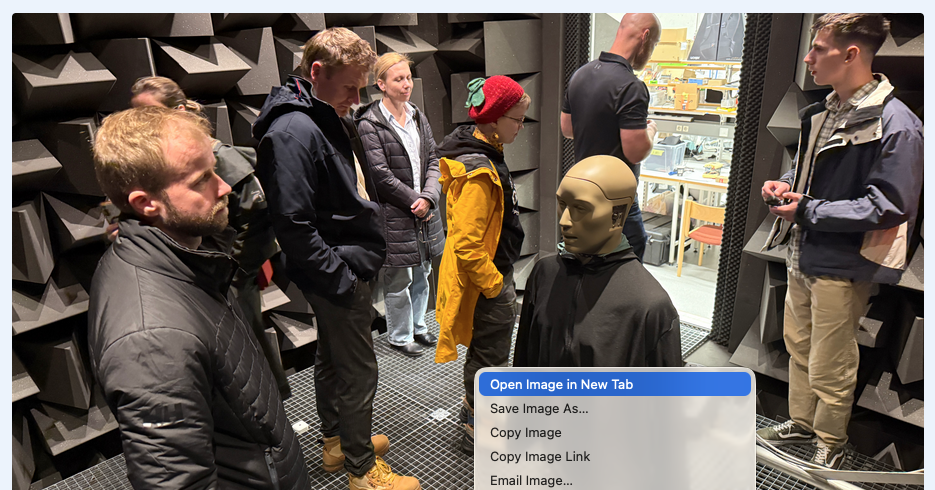
Right-click on the image and click “Open in a new Tab”. This will open the image in a webp format which has very low resolution.
-
To access the higher resolution image you need to delete the part of the URL after the "?” and press ENTER.

-
At this point, you can right-click again and “Save image as" to download the photo on your computer. It’s good practice to add the copyright in the filename when you save the image.
2 - Programme events
Professional photographers are usually hired at major Interreg NPA events and pictures are available for all programme bodies and projects to use.
Typically, credit the photographer and all participants consented to be photographed. The Secretariat stores the consent forms.
Preferably use images from events no older than 2 years.
25th Anniversary conference - Bodø 2025
All images are available on Flickr. The photographer's name is saved in the filename.
https://www.flickr.com/photos/185443094@N08/albums
3 - Free stock images
There are several websites that allow the use of pictures under creative commons licence. This means you should credit the source and photographer as instructed on the website.
In this case, you should NOT credit the programme.
Stock images are professionally taken, look great, and have high quality. However, they tend to be impersonal and create a sense of disconnect from genuine experience.
4 - Your photos!
You live within the programme area, with direct access to its landscapes, heritage, people and experiences right on your doorstep. Most smartphones today have excellent cameras, and chances are you already have a collection of fantastic images at your fingertips. Put them to good use!
We would love to see your photographs and, with your permission, feature them as well (with full credit, of course!).
Tips & tricks
Many of our projects have good pictures, and at each conference we organise we invite a professional photographer to take some shots. Each project and each event have its “tone and style”, therefore mixing the two sets of images will give a feeling of inconsistency. I.e. it will not look like a Japanese design show.
Some tips and tricks that might help you make the most out of fewer consistent images
Special offer
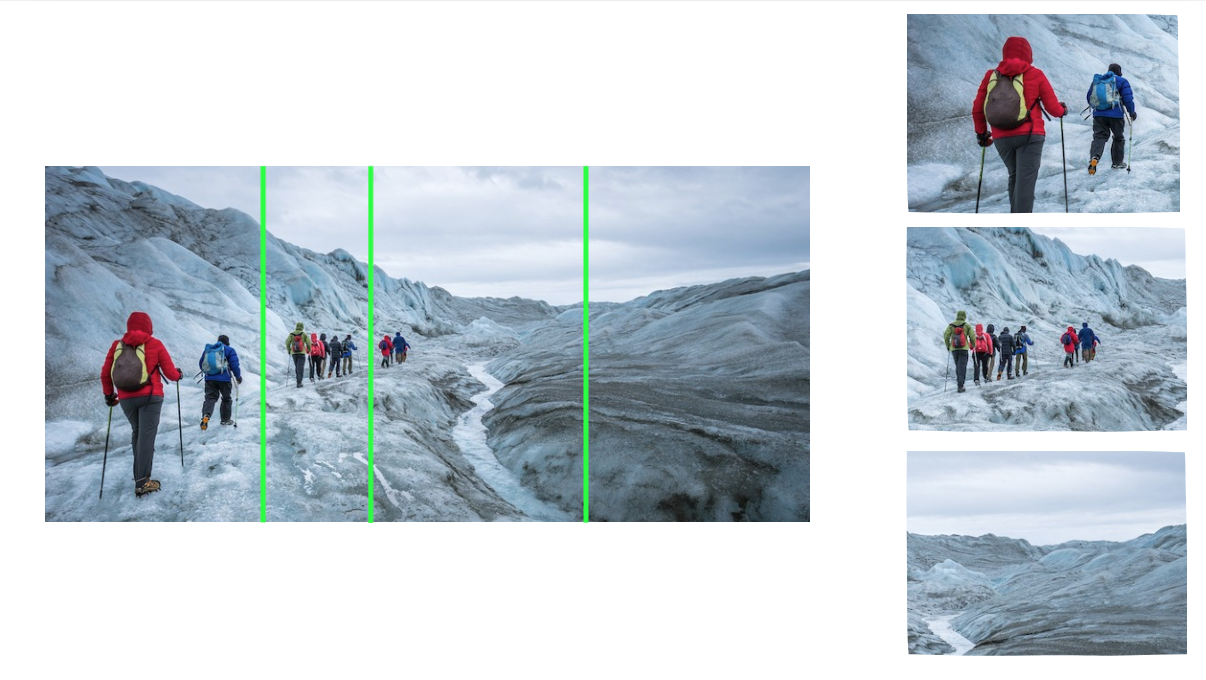
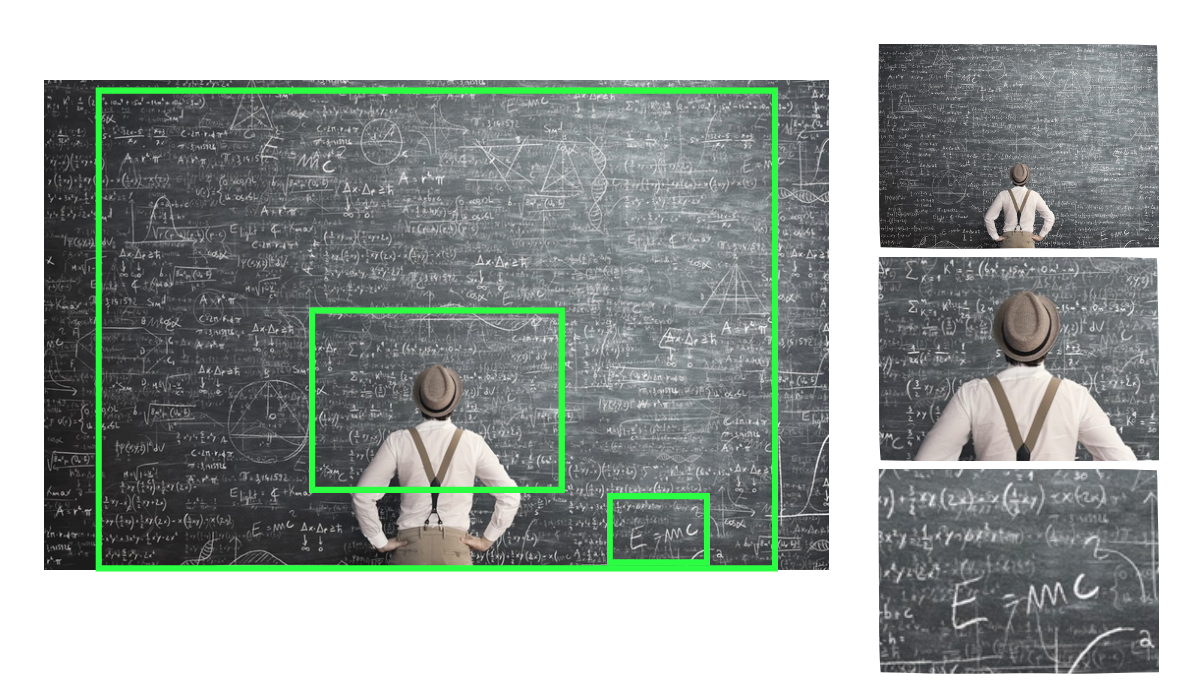
An image can be cut, and different parts can be used in different slides. This works with high-definition original images e.g. 3 Mb or more.
E.g. You want to go from A to B.
E.g. your talk is zooming in, from general to specific.
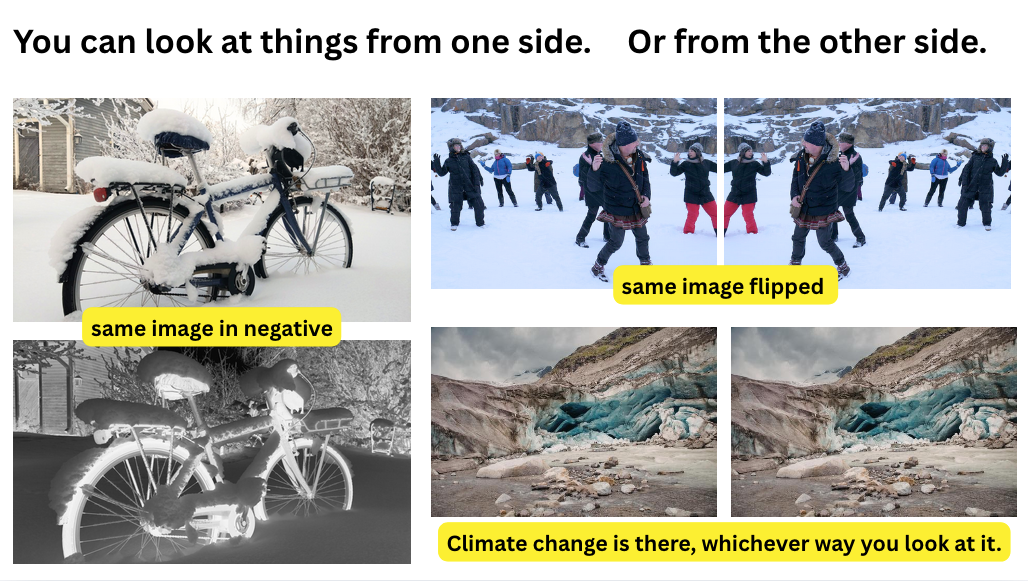
Two sides
E.g. you wish to present two sides of an argument.
Ask AI
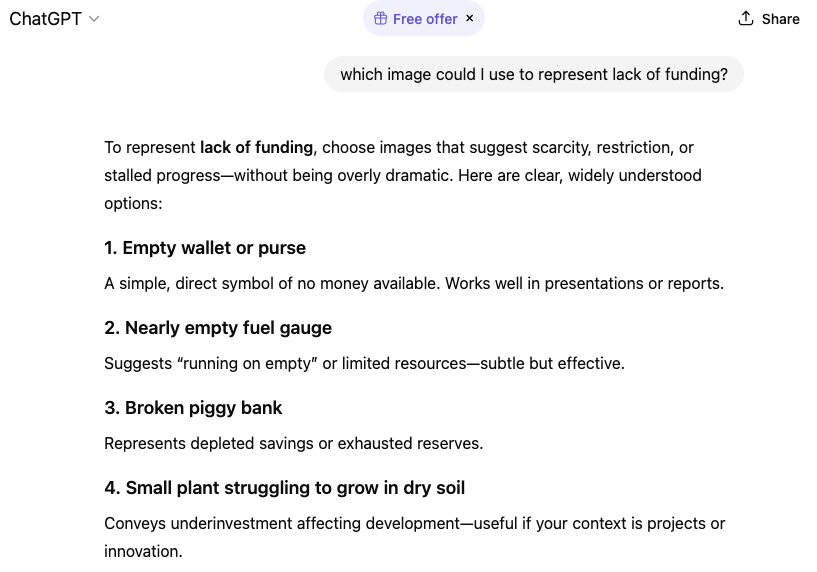
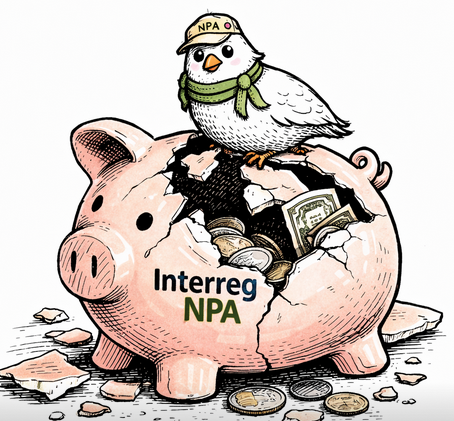
Ask AI to give you suggestions of images that could fit with your content. You can then look for that kind of images or ask another AI tool to generate such images. In this case, you don’t know what you get and therefore might need to take several revision rounds.